
A digital piano has no universal expiration year. Its useful life ends when key action, sound, power, controls or software support no longer meet the player’s needs and safe, proportionate repair is unavailable. Usage intensity, environment, moving, component quality and parts support matter more than a generic online range. Warranty duration is also not the same as expected lifespan.
Judge condition, not birthdays
- Track changes in keys, pedals, speakers, power and controls.
- Separate a cable, setting or accessory fault from an internal failure.
- Ask whether parts and qualified service remain available for the exact model.
- Compare repair cost and reliability with the player’s current requirements.
- Keep unsafe or liquid-damaged equipment unplugged for professional assessment.
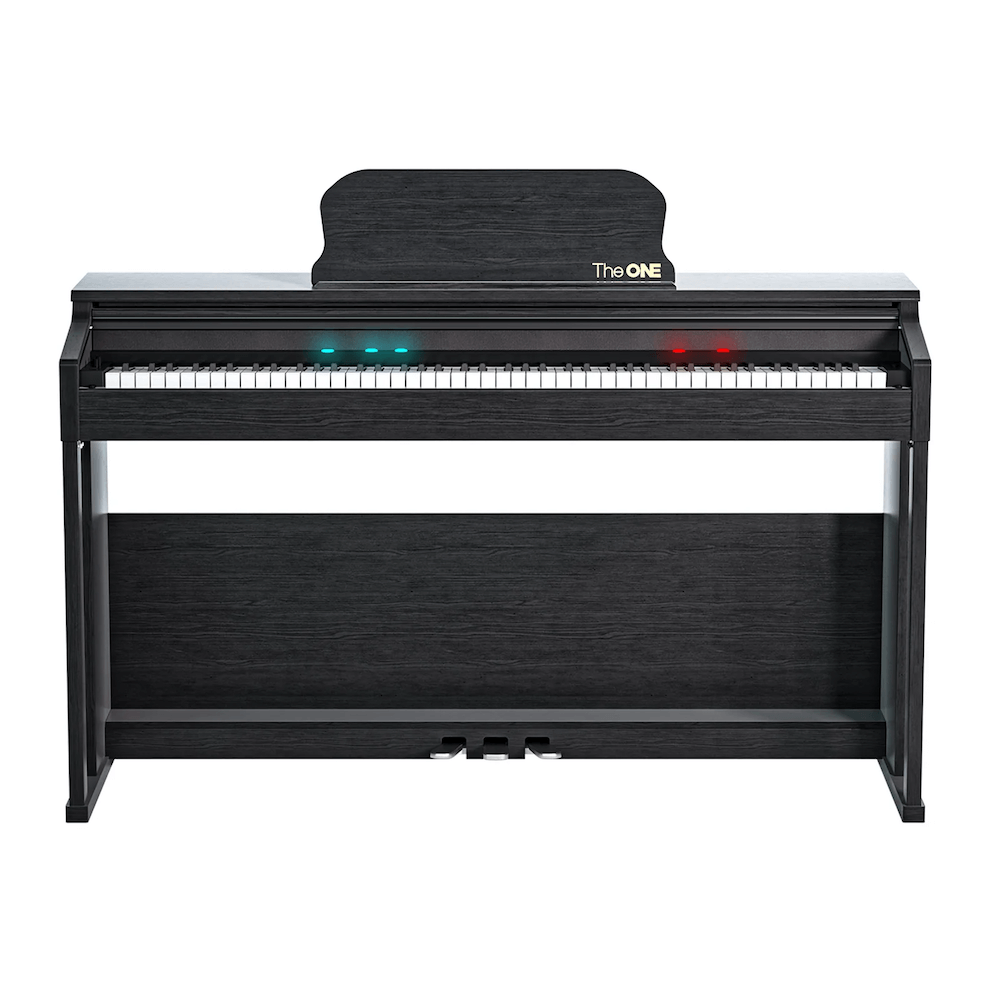
What does “last” mean for a digital piano?
Physical operation, musical usefulness and connected-feature support are different lifetimes. A piano may still produce sound while several keys respond unevenly. It may remain a good standalone instrument after an old app becomes incompatible. It may also function perfectly but no longer provide the action, range or connections required by an advancing player.
Define the required job first. An instrument used for occasional chords has a different service threshold from one used for examinations, daily teaching or stage work.
Different parts age in different ways
| Area | Change to observe | Useful comparison |
|---|---|---|
| Keybed and sensors | Slow return, noise, missed or double notes, uneven dynamics | Same key across several sounds; neighboring keys at equal touch |
| Pedals | Intermittent response, reversed behavior, mechanical looseness | Documented startup method and compatible pedal |
| Audio | Distortion, imbalance, crackling or silence | Speakers versus compatible headphones |
| Power and controls | Unexpected shutdown, heat, flicker or unreliable buttons | Approved supply and minimal configuration |
| Connections and software | Unsupported device, damaged port or lost app function | Standalone playing and another supported device |
Usage and environment change the outlook
Heavy classroom use, repeated transport and forceful performance create different wear from moderate home practice. Dust, liquid, direct heat, unstable stands and strained cables add avoidable risk. Follow the model manual for cleaning, placement, power and storage. Do not spray liquids into keys or ports or add an undocumented lubricant.
A maintenance record helps reveal progression. Note the date, exact symptom, setup and whether it is getting worse. A slowly changing key response deserves a different decision from a one-time connection error after a phone update.
Run a safe annual condition check
- Inspect the exterior, power supply and cables for visible damage while unplugged.
- Set up the documented power supply and a basic piano sound.
- Play every key softly and firmly, listening for inconsistent response.
- Test pedals, speakers and compatible headphones separately.
- Test each regularly used port with a known supported connection.
- Confirm recordings or user data are preserved before any reset.
- Record changes and contact support when the cause remains unclear.
This is an observation routine, not internal servicing. Opening the cabinet or power supply introduces electrical, mechanical and warranty risks.
When is repair worth investigating?
Seek a repair assessment when the instrument still meets the player’s needs, the fault is localized, qualified service is available and the expected result justifies cost and transport. Ask what part is suspected, whether the estimate includes labor and freight, what warranty applies to the repair and whether related failures are likely.
Replacement becomes more reasonable when several essential systems are unreliable, required parts are unavailable, the instrument no longer meets the course, or repair approaches the cost of a suitable replacement without restoring dependable service. Do not use a fixed percentage rule without considering instrument quality, current needs and local service.
Know the immediate stop signals
Disconnect the piano after smoke, burning odor, sparking, abnormal heat, liquid entry, visible electrical damage or repeated power failure. Do not deliberately reproduce an unsafe symptom. Contact the manufacturer or a qualified service provider with the model, serial number, power supply information and evidence.
Plan the end of service responsibly
If the piano is safe and usable but no longer suitable, consider resale, donation or a secondary noncritical use with an honest condition description. Remove personal information and accounts according to the service instructions. Nonworking electronic instruments should enter an appropriate local electronics recycling route rather than ordinary disposal where regulations prohibit it.
Frequently asked questions
Does a one-year warranty mean the piano lasts one year?
No. Warranty coverage and expected useful life are different concepts.
Should an old piano be replaced when its app stops working?
Not automatically. Evaluate standalone playing, current needs and whether another documented connection remains supported.
Can you estimate lifespan from appearance?
No. Cosmetic condition does not prove the state of sensors, keys, power, speakers or ports.


