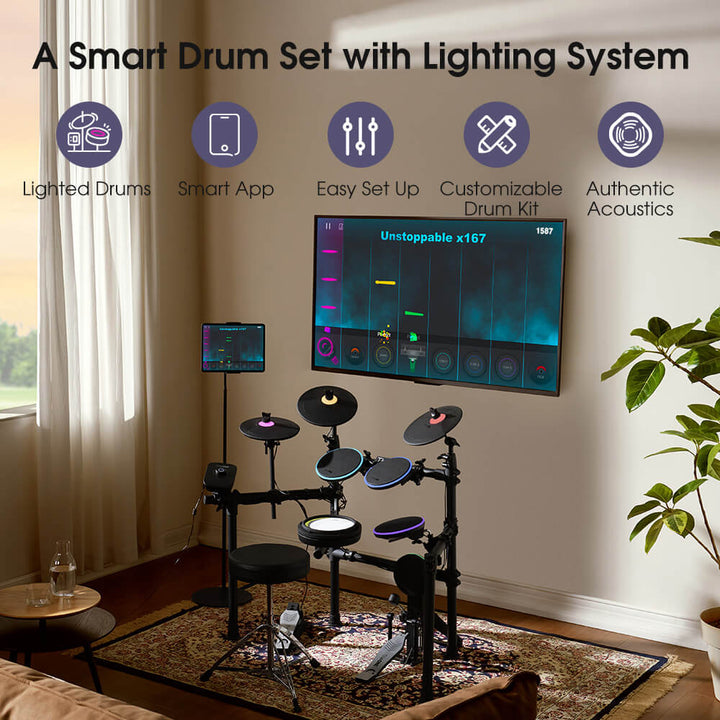
Portable drum-pad volume includes speaker sound, pad strikes and pedal impact, so the best setting depends on room boundaries, monitoring and time of day.
What makes a portable drum pad sound loud?
The speaker and physical strikes create separate noise.
Turning the built-in speaker down reduces electronic sound, but hands, sticks and foot controls can still transmit impact through tables, floors and walls.
Test each source separately: speaker playback without playing, pad strikes with speakers muted, then foot controls. Listen from the adjoining room rather than judging only from the player’s seat. The NIDCD: Noise-Induced Hearing Loss explains why monitoring level and exposure time both matter. Do not describe a pad as silent because it has a headphone jack. A neighbor may hear repetitive impact even when the performer hears only headphones.
Use the same short pattern for every listening position. Changing the performance makes it difficult to tell whether the room or the player caused the difference.
How should you set the built-in speaker volume?
Start low and raise it only until timing is clear.
A built-in speaker is useful for casual practice, but excessive level can mask stick balance, distort small speakers and create unnecessary room spill.
Play the loudest pattern planned for the session and adjust from that point, not from a soft warm-up. Keep phone or app playback below the drum sound so timing remains audible. If the unit distorts, reduce level rather than changing technique to compensate. Review the exact product page for speaker controls; the TRD portable drum set is one current portable format, not a specification template for every pad.

Check the sound from the next room after setting the player position. A comfortable local level can still carry strongly through a doorway or shared wall.
Do headphones make portable drum practice quiet?
They reduce speaker sound but not impact noise.
Headphones can improve privacy and clarity, yet stick hits, pedal taps, table vibration and cable movement remain physical sounds in the room.
Mute the speakers, play a normal pattern and ask someone to listen from the next room. Place the pad only on a stable surface permitted by the manual. Do not build a soft platform that makes the unit slide or changes trigger response unpredictably. The CDC/NIOSH Ergonomics supports a neutral playing position, and CPSC home safety resources provides general household safety context. Keep headphone volume moderate and take breaks during repetitive practice.
Ask the listener to identify pad, pedal and table noise separately. That description is more useful than a single judgment that the whole setup is loud.
How does the table or floor change the noise?
Rigid surfaces can transmit vibration into the room.
A hollow desk, shared wall shelf or hard floor may amplify impact differently from a stable isolated surface, so placement is part of volume control.
Play the same eight beats in two safe approved positions and compare from outside the room. Check for rattling objects, loose legs and pedal contact with walls. Move one item at a time; otherwise the result will not identify the cause. Never block ventilation or place the pad on deep unstable material. Browse drum accessories only after confirming compatibility and a real need. The quietest position must also remain secure and comfortable.
Check that pedals cannot slide when the player changes dynamics. A quieter surface is unsuitable when it makes the playing position unstable.
Can Bluetooth or an app change perceived volume?
Yes, source balance can make the mix seem weak or harsh.
A lesson app, backing track and drum sound may have independent levels, while wireless delay can encourage the player to strike harder in an attempt to feel synchronized.
Set the drum sound first, then add the app at a lower level and test timing. MIDI Association: What Is MIDI? explains that MIDI data and audio are different paths; a Bluetooth label does not prove which one is active. The InstaDrum overview describes current app routes, but entitlement and compatibility remain product-specific. If a backing track feels late, compare a supported wired route before changing pad sensitivity or playing force.
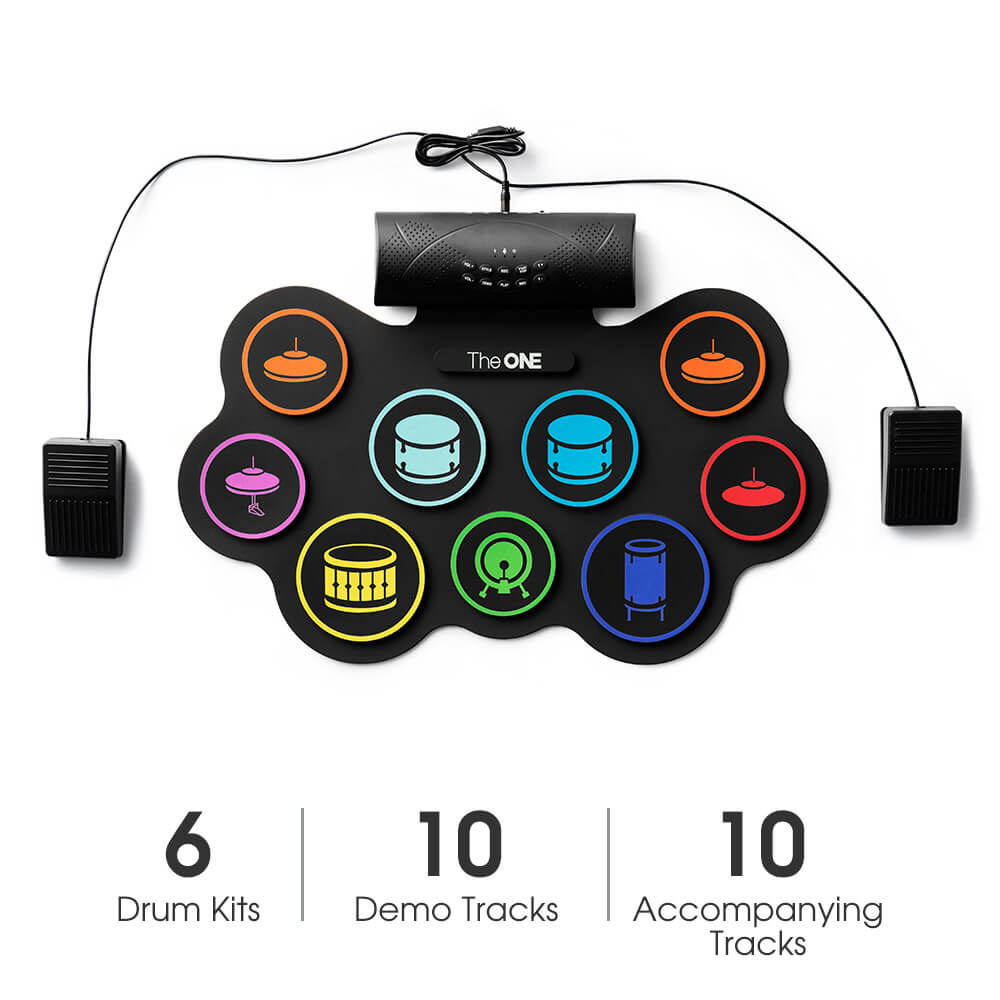
Save separate app, drum and headphone levels after the test. Restoring those values prevents each practice session from beginning with another volume search.
When is an external speaker appropriate?
Use one only when the room and audience require it.
An external powered speaker can provide more headroom and coverage, but it does not automatically improve apartment practice and may create new cable, gain and placement problems.
Confirm that the pad provides a documented compatible audio output. Start with both source and speaker gains low, then raise them gradually while playing the loudest expected pattern. The Apple Audio MIDI Setup guide offers general routing context for computer setups. For personal practice, headphones or the built-in speakers may be simpler. Compare current electronic drum options by the actual monitoring task, not by a maximum-volume assumption.
Use a short cable route and stable speaker location. External volume should serve a defined audience or rehearsal need rather than compensate for unclear source balance.
Room-volume test table
Separate airborne sound from physical impact.
The table turns “too loud” into an observable source and a safer first adjustment.
| Test | If loud | First action |
|---|---|---|
| Speaker only | Airborne audio | Lower source balance |
| Muted pad hits | Surface impact | Check stable placement |
| Pedals only | Floor transmission | Move from wall |
| Headphones | Listening level | Reduce and rest |
Write the loudest source beside each test result and change that source first. If speaker sound dominates, reduce playback or move the listening position. If muted strikes dominate, inspect the supporting surface and nearby objects. If pedals dominate, check stable placement and distance from shared structures. Repeat the identical eight-beat pattern after one change, then stop once the room result is acceptable and the playing setup remains secure.
Frequently asked questions
How loud are portable electronic drum pads?
There is no single useful loudness figure for every pad and room. Built-in speaker level, stick impact, foot controls, table vibration, walls and listening distance all change the result. Test speaker sound and physical impact separately from the next room, then use the lowest monitoring level that keeps timing and dynamics clear.
Can I use a portable drum pad in an apartment?
Often yes, but headphones do not eliminate stick, pedal and surface impact. Test at the actual practice location, use a stable permitted surface, keep pedals away from shared walls and agree on suitable hours. If vibration travels through the floor or furniture, change placement before increasing padding or altering trigger settings.
What speaker should I use with a portable drum pad?
First confirm that the pad has a documented compatible audio output. Choose a powered speaker that accepts that signal and suits the room, then start with low gain. For personal practice, built-in speakers or headphones may be more appropriate. Do not connect a speaker to a MIDI port or assume connector size proves signal compatibility.
For a model-specific decision, verify the current product page and manual before buying or changing a connection. Start with one controlled test, keep the working baseline, and contact official support when documented behavior and actual behavior disagree.
Explore more in Portable Electronic Drums and Drum Pads Guide.