
Bluetooth can remove a phone or tablet data cable from some smart-piano workflows, but it does not make a piano completely wireless. Power, pedals, wired headphones, live audio outputs, device charging or a reliable USB fallback may still require cables. Before buying or pairing, identify whether the piano supports Bluetooth MIDI, Bluetooth audio input, Bluetooth audio output, or a manufacturer-specific app connection. Those functions are different and are not automatically interchangeable.
(Last modified date: September 9, 2026)
Key takeaways
- “Bluetooth” alone does not tell you what the connection carries or in which direction.
- Bluetooth MIDI carries note and control data, not the piano’s sound.
- Bluetooth audio input can play phone audio through a piano without proving support for wireless headphones.
- Manufacturer app data may control lessons or lights without appearing as an ordinary audio device.
- Keep a tested wired path for timing-critical practice, recording and troubleshooting.
What can Bluetooth do on a smart piano?
| Connection | What it carries | Typical use | What it does not prove |
|---|---|---|---|
| Bluetooth MIDI | Notes, velocity, pedals and control messages | Learning apps and virtual instruments | Transmission of the piano’s audio |
| Bluetooth audio input | Sound from a phone or tablet to the piano | Backing tracks through piano speakers | Bluetooth headphone output |
| Bluetooth audio output | Sound sent from the piano or source device | Wireless headphones or speakers | Low enough delay for every player |
| App or BLE data | Model-specific lesson, light or control information | Guided learning and settings | Compatibility with every MIDI app |
| USB MIDI | Wired note and control data | Stable app or computer connection | USB audio unless separately documented |
What is Bluetooth MIDI?
MIDI is performance data rather than recorded sound. A compatible connection can tell an app which note was played, when it was played, its velocity and whether a pedal message was sent. The receiving app may display notation, score an exercise or trigger a software instrument. The MIDI Association defines BLE-MIDI as a way to carry MIDI data over Bluetooth Low Energy.
Wireless MIDI can remove a data cable between a piano and a nearby device. Total playing delay still depends on the complete path: key scanning, wireless transmission, app processing, software buffers and audio monitoring. Use the piano’s internal sound or a tested wired route when timing feels detached.
What is Bluetooth audio?
Bluetooth audio carries sound. Many digital pianos act as receivers, allowing a phone to play a song or lesson through the piano speakers. That direction does not mean the piano can transmit its key sound to Bluetooth headphones. Some manufacturer manuals explicitly document audio input while stating that Bluetooth headphones cannot be used.
If private real-time practice matters, start with the piano’s wired headphone output unless the exact manual confirms audio output and your test finds the delay acceptable.
Why can the app work without an audio pairing?
A learning app may use standard MIDI or a model-specific BLE connection for note detection, lights, lesson commands and settings. The piano can therefore appear inside the app while phone audio still comes from the phone, or while a separate audio route is required. Test each function separately:
- Does the app recognize the notes and pedal?
- Do supported lesson lights or controls respond?
- Where is lesson or backing-track audio heard?
- Does the connection recover after both devices restart?
- Does the documented wired fallback work?
Which cable can Bluetooth actually replace?
| Your goal | Bluetooth must explicitly support | Cable likely still needed |
|---|---|---|
| Send notes to a learning app | MIDI or the supported app-data workflow | Power, charging and possibly a data fallback |
| Play a phone track through piano speakers | Bluetooth audio input | Piano power and pedals |
| Hear piano through wireless headphones | Bluetooth audio output from the piano | Possibly a wired option for low-delay practice |
| Record internal piano audio on a computer | A documented audio-transmission function | Often USB audio or analog audio/interface cables |
| Use the piano on stage | Only functions proven reliable in rehearsal | Power, pedals and usually wired audio output |
How do The ONE models describe wireless app use?
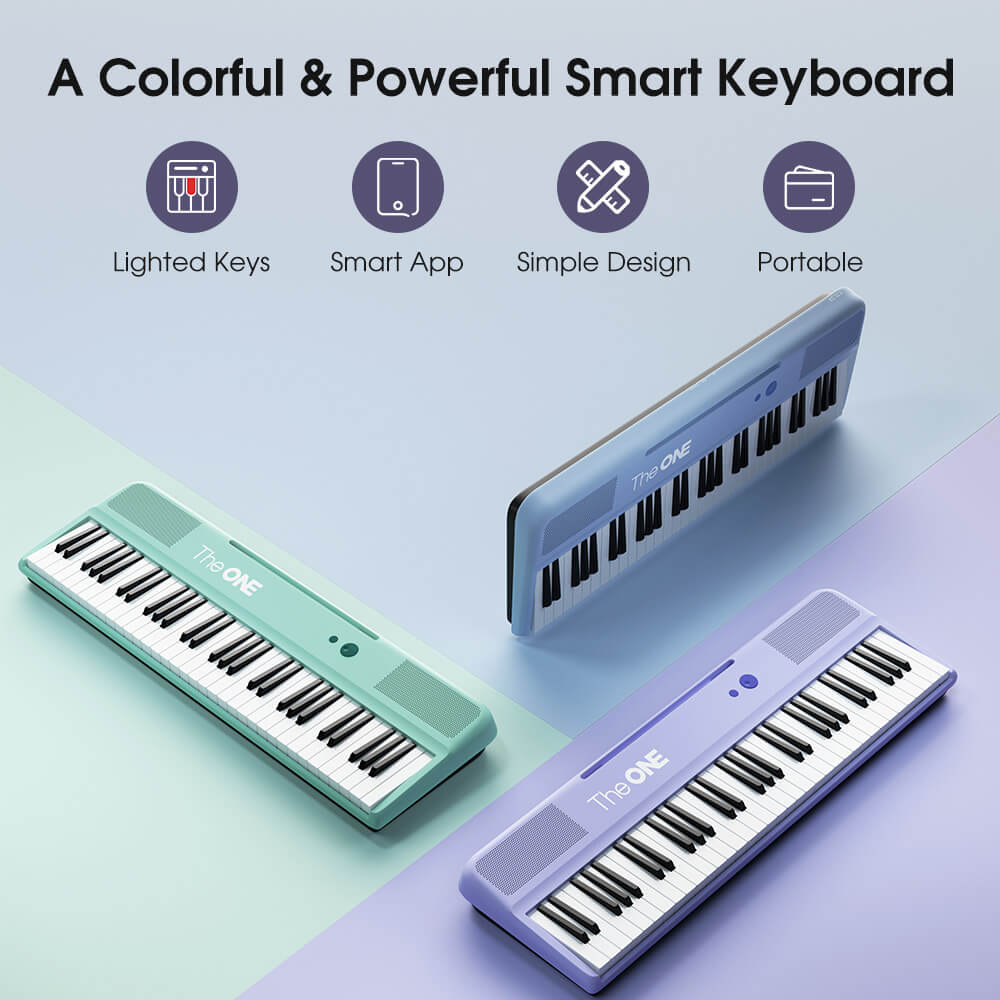
The current The ONE COLOR product page states that supported iOS and Android devices can connect to its app by Bluetooth, with a cable option also described for Android. Other The ONE models may document different workflows. Treat each product page and manual as model-specific; do not infer Bluetooth MIDI, audio input or audio output unless the current documentation names that function.
A separate model-comparison article may help shortlist instruments, but this page owns the connection decision: identify the required data or audio path, its direction and the fallback.
How should you verify Bluetooth before buying?
- Write down the exact piano model and hardware revision.
- Decide whether you need app note detection, backing-track audio, wireless headphones or computer control.
- Find that exact function in the current product page or manual.
- Confirm compatible operating systems, apps and connection method.
- Ask whether data and audio can operate at the same time if your workflow needs both.
- Identify the approved wired fallback and connector.
- Test the complete workflow during the return period.
Troubleshoot the last successful stage
| Symptom | Likely branch | Next check |
|---|---|---|
| The app cannot find the piano | Compatibility, permissions or discovery method | Use the app’s documented instrument screen and confirm model support |
| The app sees notes but there is no lesson audio | Data works; audio route differs | Check phone, piano and app audio output |
| A backing track plays but notes are not recognized | Audio works; MIDI/app data does not | Establish the separate data connection |
| A software instrument feels delayed | Total MIDI/app/audio latency | Use internal sound or a tested wired data and audio path |
| The connection repeatedly drops | Distance, interference, OS/app state or another connection | Reduce variables and test the wired fallback |
Frequently asked questions
Do all Bluetooth smart pianos support both MIDI and audio?
No. A model may support one function, several functions or only a manufacturer-specific app connection.
Does Bluetooth MIDI transmit the sound of the keys?
No. It transmits performance and control data. Sound must be generated and monitored through a separate audio path.
Can every Bluetooth piano use Bluetooth headphones?
No. The piano must specifically support Bluetooth audio output, and the resulting delay must be acceptable for the intended playing.
Can a Bluetooth smart piano be completely cable-free?
Rarely. Power, pedals, headphones, live outputs, recording connections and charging may still require cables.
Official resources and references


